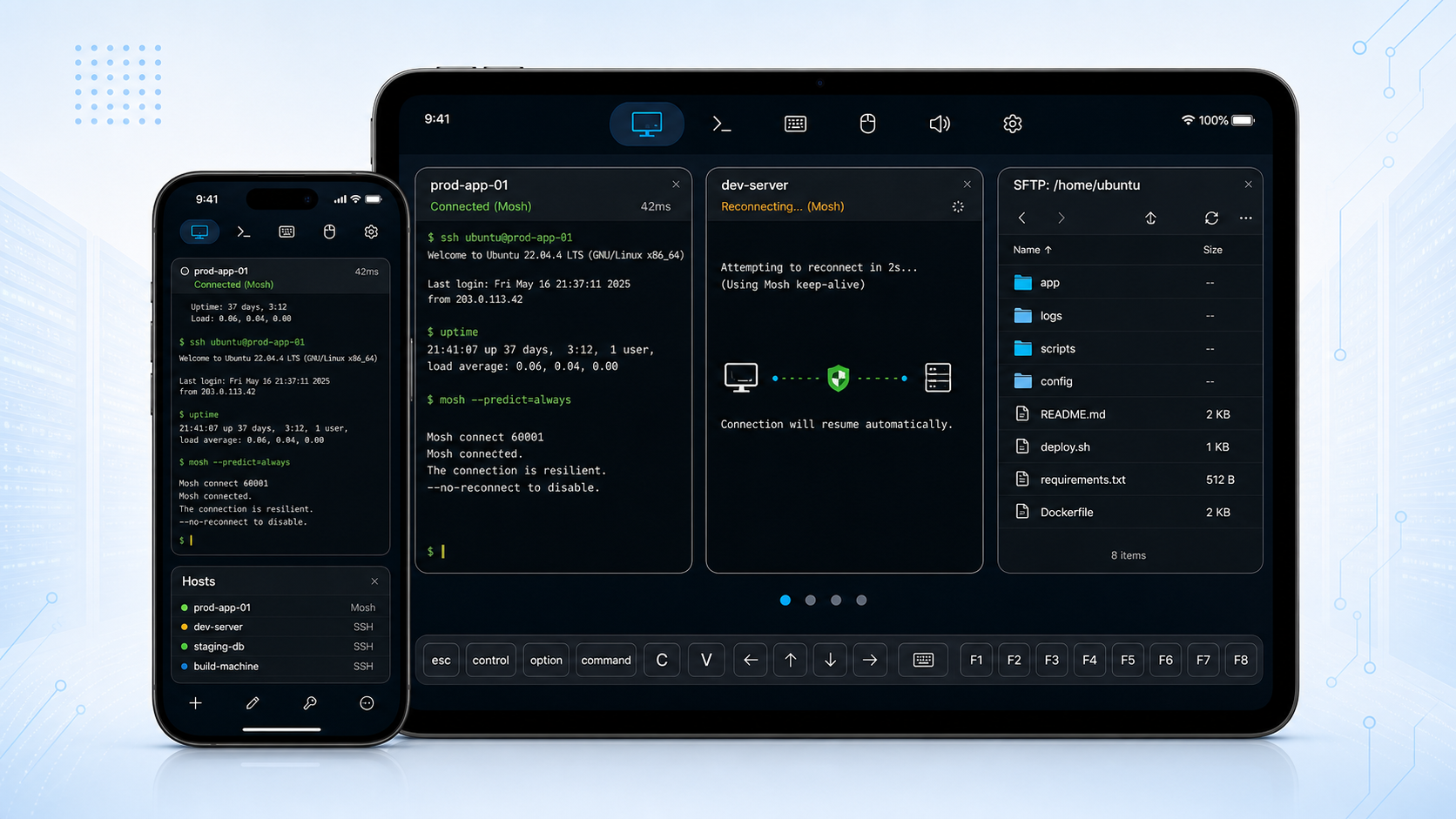
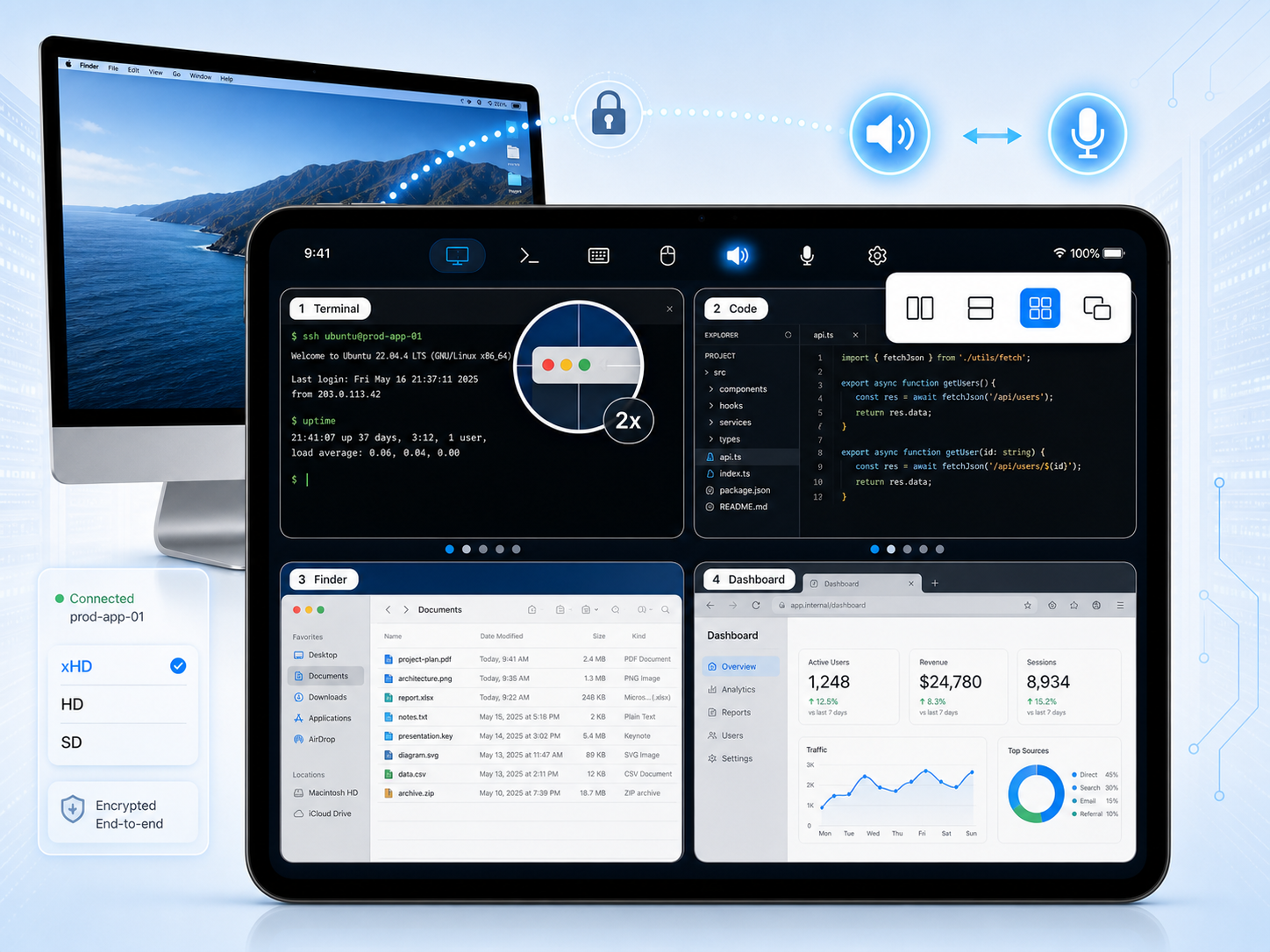
SharkTTY is a fast, native SSH & Mosh terminal for iPhone and iPad — built for developers and sysadmins who manage servers on the go.
Lock your phone, switch apps, or change networks — reconnect and land right back in your session. Keys are generated on device and never leave your Keychain.
you@phone:~$ ssh root@prod Reattaching tmux session "mobile"... $ uptime 14:02:51 up 37 days, load 0.08 $ ▋
A mobile connection drops. A good terminal doesn't lose your session.
Everything you need to run a server from a phone — secure by default, resilient on flaky networks.
Works with any standard sshd — nothing to install on the host. Open an interactive shell to your VPS, NAS, Raspberry Pi, or workstation.
Roam across Wi-Fi and cellular with instant local echo on unstable links. Mosh keeps typing snappy even when latency spikes.
Lock the device or switch apps, then pick up where you left off. Attach a
startup script like tmux new -A -s mobile to reattach on reconnect.
Generate Ed25519, ECDSA, or RSA keys on device; import or paste existing keys; export the public key for your admin. Private keys live only in the iOS Keychain.
Trust-on-first-use pinning records each server's identity and warns you loudly if a host key ever changes.
Browse, upload, and download files across iCloud Drive, shared folders, and WebDAV servers — without leaving the app.
Plus: a full keyboard accessory bar (Esc, Ctrl, arrows, Tab), developer fonts and color themes, external keyboard & trackpad support on iPad, and optional iCloud sync of your host and key lists. No account required to reach your own servers.
From zero to a live shell in three steps.
Enter the hostname and user, then pick a password or an on-device key.
Choose SSH or Mosh, and optionally attach a startup script to reattach tmux.
Lock, switch apps, or change networks — reconnect lands back in your session.
Download SharkTTY and keep your servers a tap away — secure, fast, and resilient wherever you are.
Download on App Store